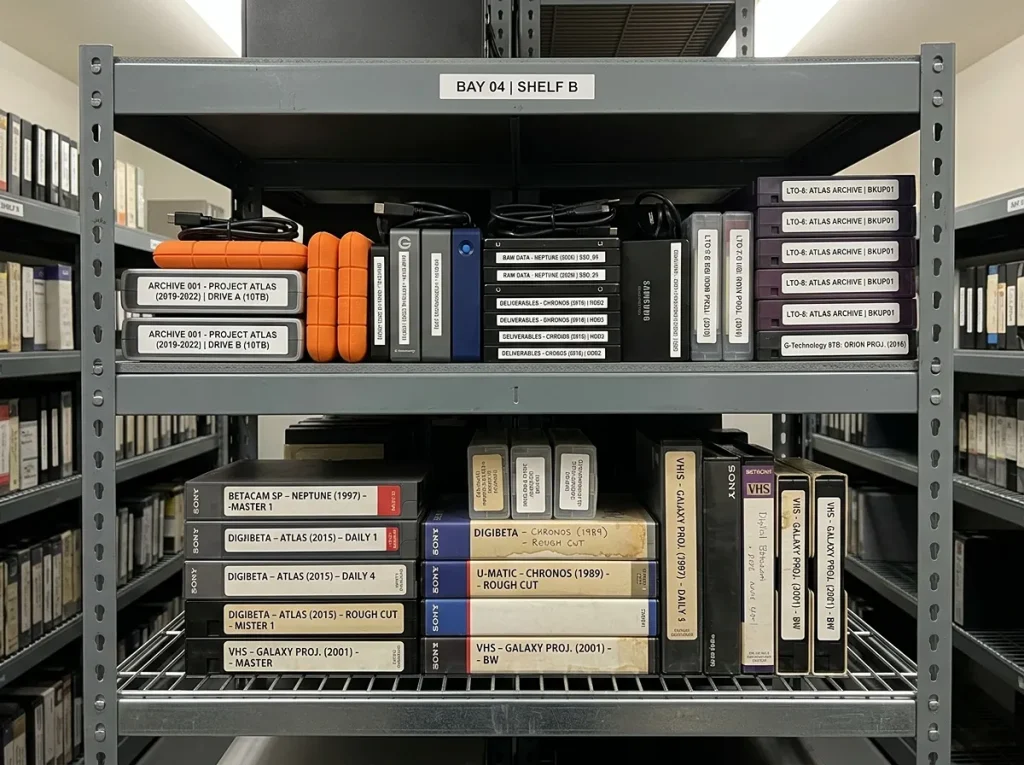
If you have a box of old VHS, Hi8, Mini DV, Betamax, or audio cassettes, you already know the feeling. You want to watch those memories again, but you are not sure what “digitizing” actually involves, or whether it is worth it.
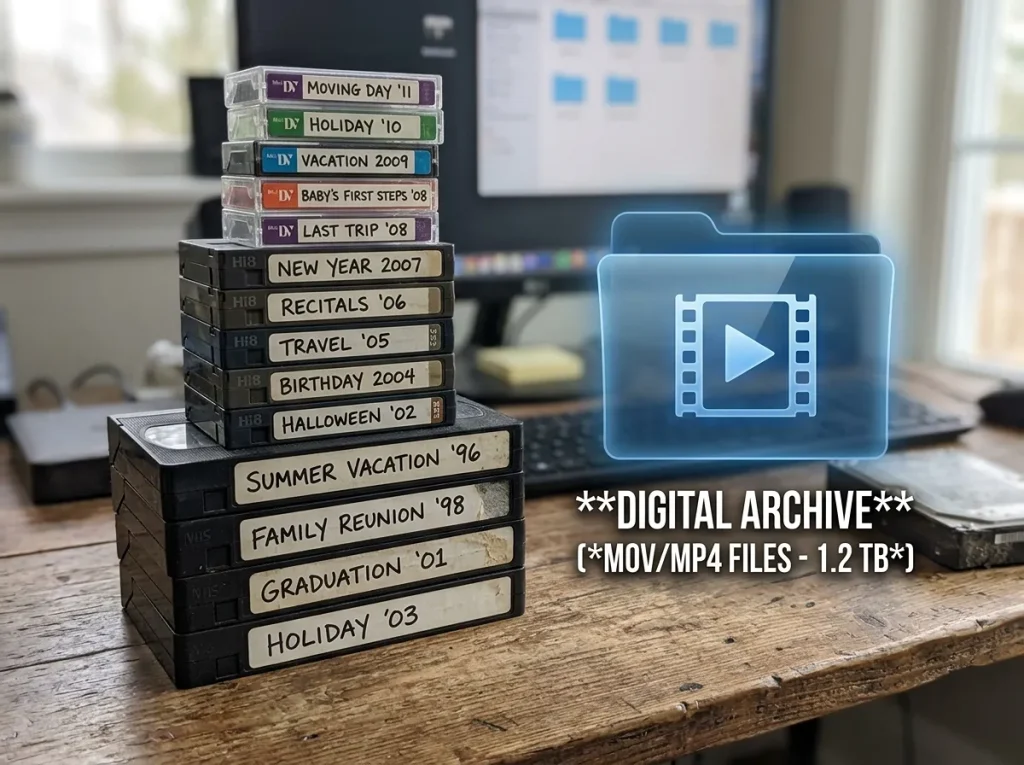
At its simplest, to convert tapes to digital means transferring the video or audio stored on an analog tape into a digital file. That file can live on a computer, USB drive, DVD, external hard drive, or cloud account. Instead of needing a working VCR or camcorder, you can press play on a laptop, phone, or TV.
Here’s the thing: tape digitization is not just “copying.” It usually involves inspecting the tape, cleaning it if needed, playing it on the right equipment, capturing the signal, converting it into a modern format, and organizing the final files. This beginner’s guide explains what that process means, when to DIY, when to hire a pro, what formats you can choose, and what most people wish they knew before starting.
Table of Contents
What Does Convert Tapes to Digital Actually Mean?
How Tape Digitization Works: From VHS to MP4 in Plain English
If You’re Wondering Whether to DIY or Hire a Pro
What Formats Can You Get After Tape Conversion?
What Does Tape Digitization Cost?
Common Problems When Converting Tapes to Digital
Key Takeaways
- Converting tapes to digital means turning analog tape signals into digital files like MP4, MP3, or DVD.
- Tape digitization is time-sensitive because magnetic tape can degrade, mold, or become brittle.
- VHS, Hi8, Mini DV, Betamax, Beta, and audio cassettes all need different playback equipment.
- DIY can work for a few common, healthy tapes, but rare, moldy, or damaged tapes are risky.
- MP4 is the most flexible video format for phones, computers, YouTube, and sharing.
- Professional transfer is usually safest for irreplaceable family memories, mixed formats, and damaged tapes.
- Keep the original tapes even after digitization, because they are still part of your family archive.
What Does Convert Tapes to Digital Actually Mean?
When people say “convert tapes to digital,” they mean taking an analog format, like VHS, Betamax, Hi8, Mini DV, or cassette audio, and capturing it as a digital file. Analog tape stores video or sound as magnetic signals. Digital files store that same content as computer data.
The result is a file you can watch or listen to without the original tape player. That could be an MP4 video, an MP3 audio file, a DVD, or a folder of files on a USB flash drive. For many families, the goal is simple: make sure Grandma’s birthday video, a wedding recording, or a childhood camcorder tape does not disappear when the old VCR dies.
But tape digitization is more than a cable and a laptop. The tape has to be played in real time. If it is moldy, spliced, stretched, or brittle, forcing it through a cheap player can damage it permanently. That is why a good tape-to-digital guide starts with one honest warning: the tape itself matters as much as the technology.
How Tape Digitization Works: From VHS to MP4 in Plain English
A professional tape digitization workflow usually follows a careful sequence. First, the tape is inspected. The technician checks for mold, dust, water damage, broken shells, and previous repairs. Next, the tape is cleaned if needed. Then it is played on a compatible deck, VHS, Hi8, Mini DV, Betamax, Beta, or audio cassette, while the signal is captured to a computer.
After capture, the file is encoded into a usable format. Video is often converted to MP4. Audio is often converted to MP3 or WAV. If you want a physical copy, it may be authored to DVD. If you want easy sharing, it may be delivered on a USB drive or cloud folder.
According to the Library of Congress, magnetic media such as tape can deteriorate over time, and proper storage slows damage but does not stop it. That is why waiting “until later” is one of the riskiest choices you can make with old media.
If You’re Wondering Whether to DIY or Hire a Pro
Here is the honest answer: it depends on the tape, the equipment, and how much you can afford to lose.
If you have one or two common VHS tapes in good condition, and you already own a working VCR, a capture device, and editing software, DIY may be fine. You will need patience, because capture happens in real time. A two-hour tape takes at least two hours to digitize.
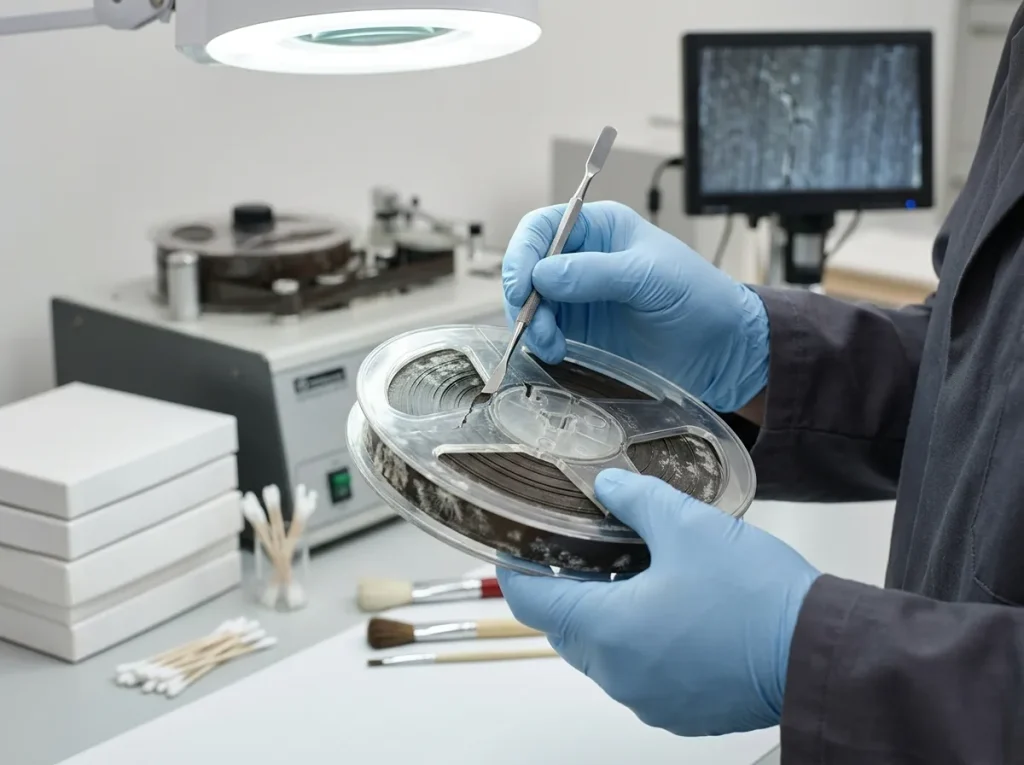
If your tapes are moldy, smell like vinegar, are brittle, or have visible damage, do not test them in a cheap player. A professional can often clean and stabilize them first. The wrong DIY attempt can ruin the only copy.
If you have rare formats like Betacam, Betamax, PAL, Mini DV, or reel-to-reel audio, professional help is usually worth it. The playback equipment is expensive and hard to maintain.
If your budget is tight, prioritize the tapes that are oldest, most damaged, or most emotionally important. You do not have to convert everything at once. Start with the irreplaceable recordings.
If you need files quickly for a memorial, reunion, or anniversary, a professional service will usually be faster and less stressful than learning a DIY workflow from scratch.
What Formats Can You Get After Tape Conversion?
The format you choose affects how easy your memories are to watch, share, and store. Here is a simple comparison.
| Option | Price Range | Best For | Rating | Key Feature |
| MP4 video | Budget-friendly | Phones, computers, YouTube, sharing | 5/5 ease | Plays almost everywhere |
| MP3 audio | Budget-friendly | Cassette and reel audio, podcasts, music | 5/5 ease | Small files, easy listening |
| DVD | Mid-range | Older TVs, physical keepsakes | 3/5 ease | Familiar but can scratch |
| USB flash drive | Mid-range | Gifting, offline storage, simple delivery | 4/5 ease | No internet needed |
| Cloud / external hard drive | Varies | Backup, long-term organization, multiple copies | 4/5 ease | Easy to duplicate and store off-site |
For most people, MP4 is the best starting point for video. It is widely supported and easy to upload, email, or copy. For audio, MP3 is convenient, while WAV or FLAC may be better if you want higher quality for archiving.
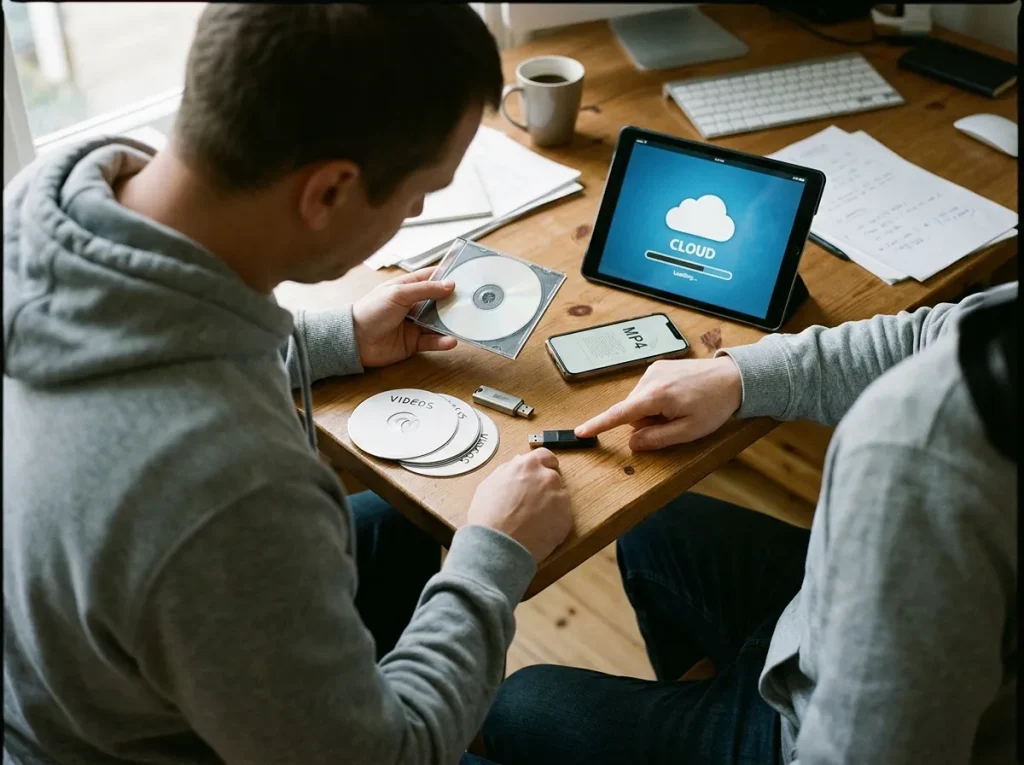
The National Archives recommends storing family archives in stable, cool, dry conditions and handling them with clean hands. That advice applies to both original tapes and your digital backups.
What Does Tape Digitization Cost?
There is no single price for tape digitization. Costs depend on the format, tape length, condition, turnaround time, and output format. A single VHS tape may cost less per tape than a damaged Betacam tape or a reel-to-reel audio reel. Mold cleaning, splicing, and manual repair add labor.
Most professional services price by tape, by hour, or by project. If you have a large collection, ask for a bulk quote. If you have mixed formats, ask whether there is a setup fee for each type. And always ask what happens if a tape cannot be played; a trustworthy service will tell you before charging you for a failed transfer.
For a deeper budget breakdown, see the tape conversion cost guide.
Common Problems When Converting Tapes to Digital
Old tapes do not always cooperate. Some common issues include mold, which can spread from tape to tape. Tracking errors can cause distorted images or static. Audio sync issues can make voices drift out of alignment. Brittle tape can snap inside the machine. Mini DV and Hi8 tapes may suffer dropouts. VHS tapes can jam or get eaten by a misaligned VCR.
The National Film Preservation Foundation notes that many obsolete formats require specialized playback equipment to avoid damage. That is not a scare tactic. It is a practical warning. If a tape is rare or damaged, the cheapest option is rarely the safest one.
The Regrets People Mention Most After Tape Conversion
Most people who digitize old media share the same regrets. Here are the ones we hear most.
- Waiting too long. Tapes degrade even when stored well. Mold, heat, and humidity speed up the damage. The best time to digitize was years ago. The second-best time is now.
- Using a cheap converter on irreplaceable tapes. A $30 gadget can be fine for a casual copy, but it can also damage a fragile tape. If the recording cannot be replaced, do not gamble on the lowest-cost method.
- Choosing a format they cannot easily use. A DVD may feel familiar, but it can scratch and requires a DVD player. MP4 files are usually easier to share and back up.
- Not organizing the files. A folder called “old tapes” is not a digital archive. Rename files with dates, names, and events. Add a simple spreadsheet or text file.
- Throwing away the originals. Digital files can corrupt, get deleted, or become obsolete. Keep the original tapes in a cool, dry place after transfer.
- Forgetting multiple backups. One USB drive is not a backup. Keep at least two copies in different places, such as an external drive and a cloud account.

Related Resources
If you want to go deeper before you start, these guides can help:
- For step-by-step safety advice, read how to convert tapes safely.
- To plan your budget, compare the tape conversion cost guide.
- To choose the right output, see the best format for tape conversion.
Common Questions We Get Asked
What does “convert tapes to digital” mean in plain English?
It means moving video or audio from an analog tape into a digital file, such as MP4 or MP3. The tape is played on compatible equipment while the signal is captured and saved to a computer.
Can all old tapes be converted?
Most common tapes can be converted, but success depends on condition and format. Moldy, broken, or rare tapes may need professional cleaning or specialized equipment first.
Is converting tapes to digital safe?
Yes, when it is done correctly. The risk comes from playing damaged tapes in the wrong machine or using cheap equipment that pulls the tape incorrectly.
What is the best format for tape conversion?
MP4 is the most flexible video format for most people. For audio, MP3 is convenient, while WAV or FLAC is better for higher-quality archiving.
How long does tape digitization take?
Capture usually happens in real time, so a two-hour tape takes at least two hours to play through. Cleaning, repair, and encoding can add more time.
Will I lose quality when converting tapes to digital?
You cannot make an old tape look better than it is, but a good transfer preserves what is there. Poor equipment can add noise, sync problems, or dropouts.
What should I do with the original tapes after conversion?
Keep them. Store them upright in a cool, dry place. The digital files are your access copy; the tapes are your original archive.
Final Thoughts and Next Step
Converting tapes to digital is not just a tech project. It is a way to protect the people, voices, and moments that matter most. The process can be simple, but it is not risk-free, especially when tapes are old, moldy, or rare.
If you are ready to move from confusion to clarity, start with Your Transfer Station. A professional can inspect your tapes, recommend the right format, and help you convert tapes to digital safely. Do not wait for the next tape to snap, mold, or fade. Your memories deserve a backup plan.